Smart Marina Management
All vessels, customer profiles, contracts, entry–exit records, and financial transactions in one platform. Manage your marina with maximum efficiency, optimize berth capacity for higher profitability, and keep all operational processes under full control.
The Marina Management Software is not just a system—it is your digital partner that elevates efficiency, profitability, and service quality to the highest level.
✔️ Real-time berth occupancy and reservations
✔️ Reliable accounting & financial management
✔️ Transparent maintenance and work order tracking
✔️ Premium services for tenants and boat owners
Marina Management Software
The Marina Management Software is not just a system—it is your digital partner that elevates efficiency, profitability, and service quality to the highest level.
1 Berth & Dock Management
Overview
Interactive map-based marina layout. Each berth color-coded to show occupancy.
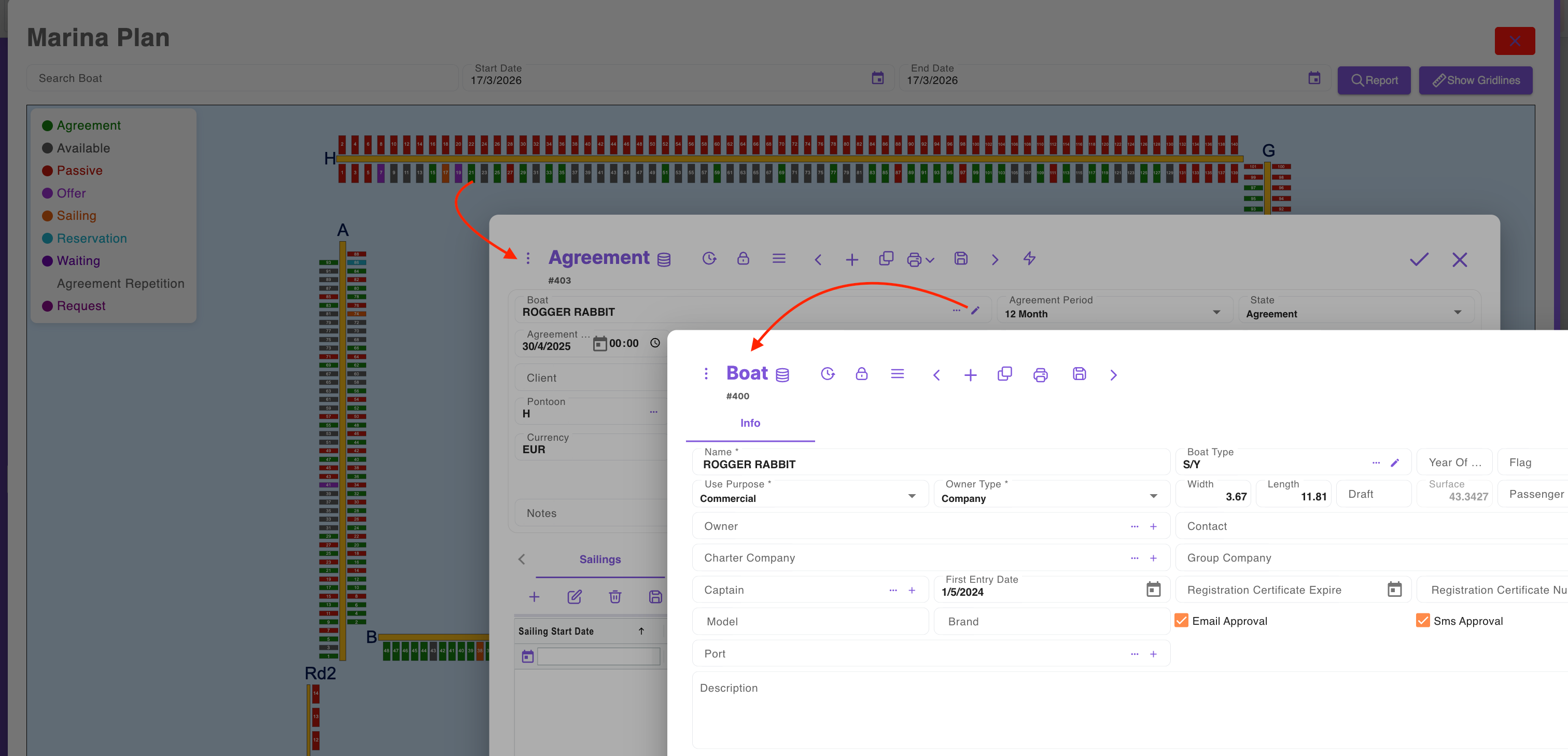
Color Codes
Green (Agreement): Occupied with valid contract
Red (Passive): Out of service
Orange (Sailing): Vessel currently at sea
Purple (Offer): Offer given, not confirmed
Grey (Available): Free berth
Blue (Reservation): Reserved, awaiting contract
Functions
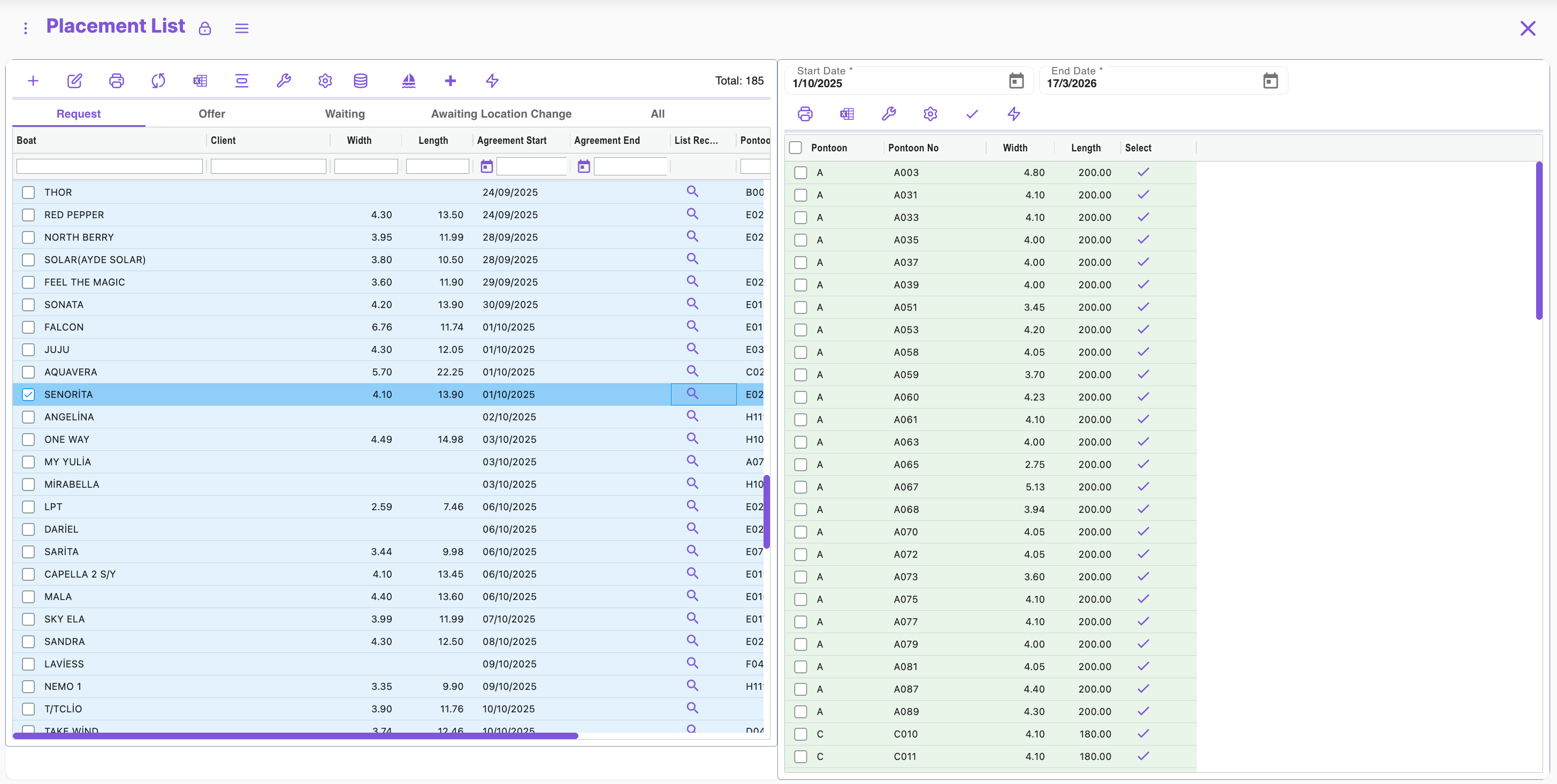
- Search & filter vessels (name, number, date)
- Drag & drop berth assignment
- Contract & reservation integration
- Pontoon change planning
- Real-time occupancy & availability
Reports
- Occupancy rates (%)
- Revenue projections
- List of vessels at sea
- List of available berths
2 Vessel & Inventory Registry
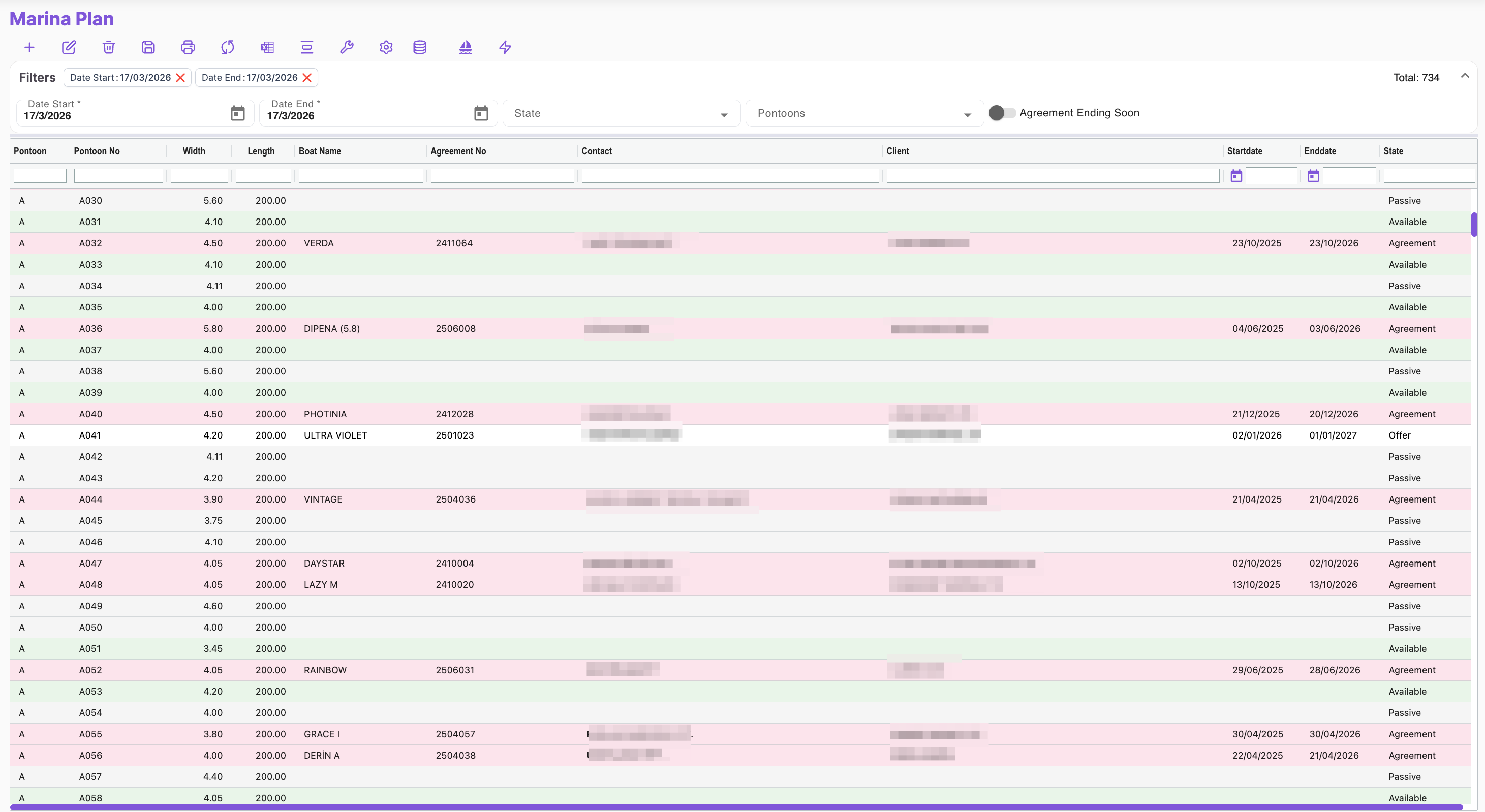
Basic Vessel Info
- Name
- Type (S/Y, M/Y, etc.)
- Usage (Private, Charter, Commercial)
- Ownership type (Corporate / Individual)
- Owner, charter company, group company
Technical Specs
- Model, brand
- Year built
- Flag
- Dimensions (beam, LOA, draft, surface are
- Passenger capacity
- First entry date
- Home port
Legal Info
- Registration certificate no & expiry
- Insurance expiry
Contacts
- Captain details
- Contact person
- Email/SMS consent
Notes
- Free-text notes
Contract Tab
List of active/inactive contracts linked to the vessel
Fields: Berth No, Vessel, Customer, Start/End, Period, Insurance expiry, Price, Discount
3 CRM – Customer Profile Module
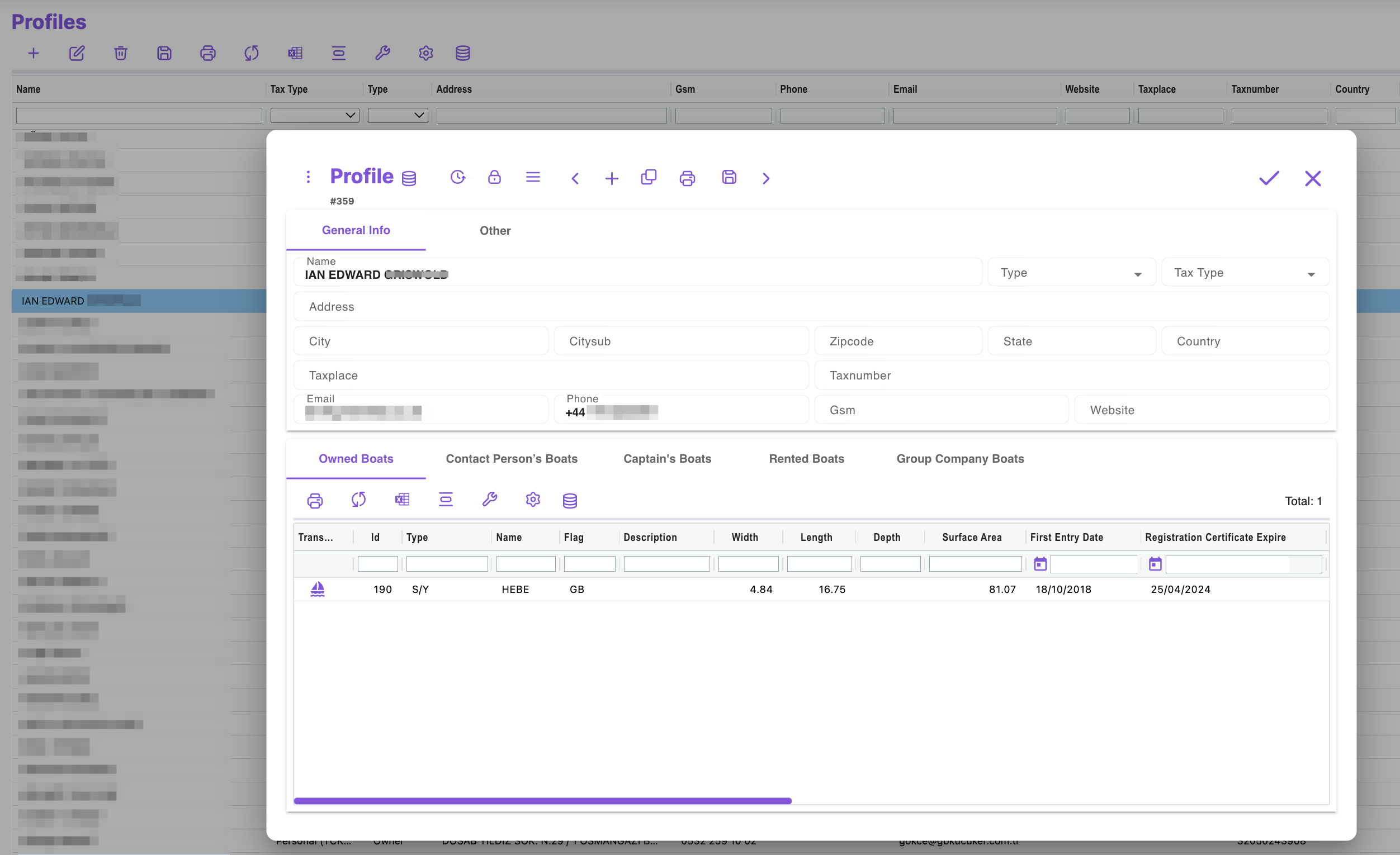
General Info
- Profile name (e.g., BBS Yachting Ltd.)
- Type (Individual, Corporate, Charter Company)
- Tax type (VAT/TIN/SSN)
- Tax office & number
- Address, city, postal code, country
- Contact: email, phone, mobile, website
- Status: Active / Inactive
Vessel Relations (Tabs)
- Owned vessels
- Vessels where contact person
- Vessels where captain
- Vessels under charter
- Group company vessels
Vessel Data Table
- Vessel ID, Type, Name, Flag
- Dimensions: beam, length, draft, surface area
- First entry date
- Registration expiry
Functions
- Add/duplicate profile
- Export to PDF/print
- Integrated with vessel & contract modules
4 Tariff & Pricing Management
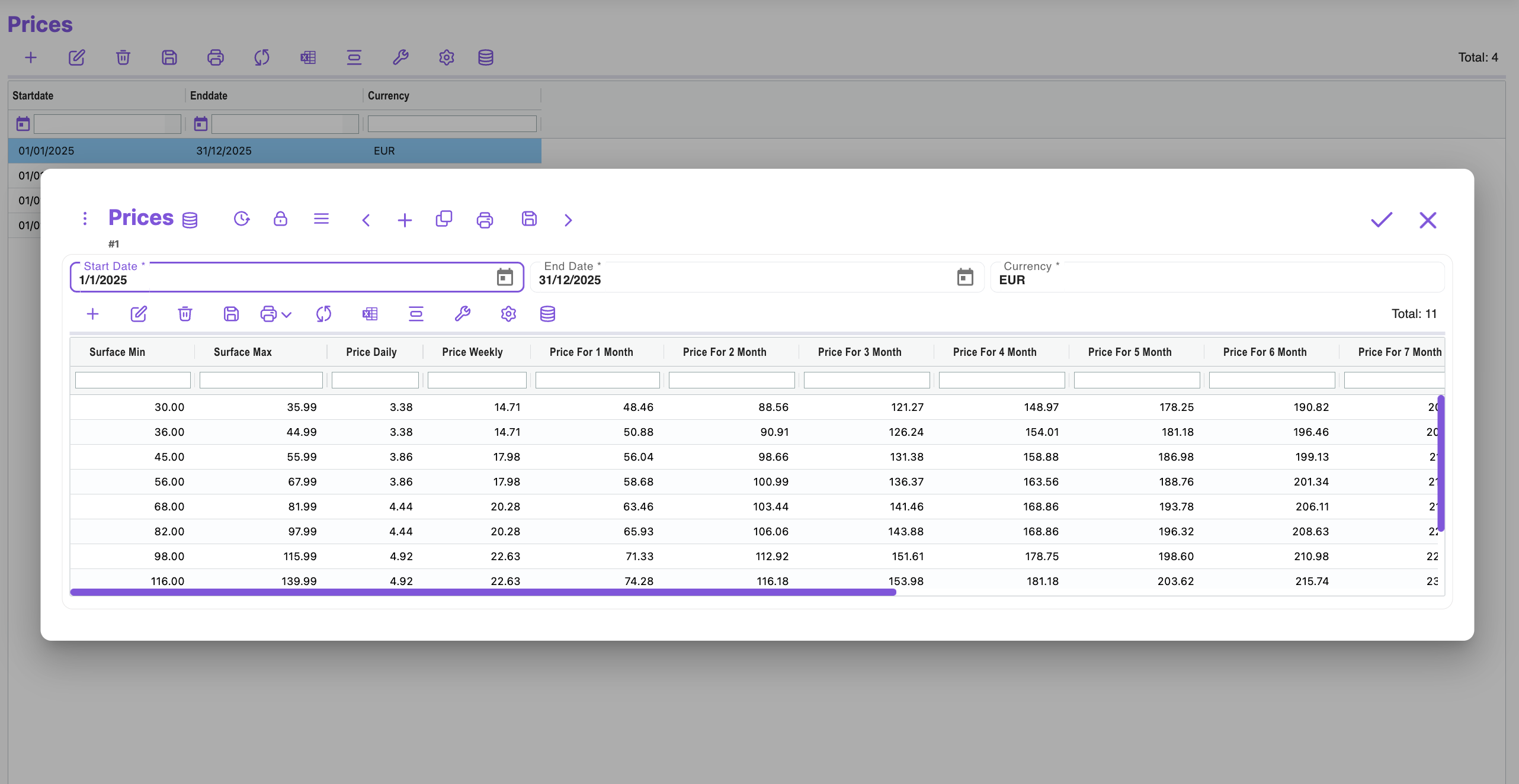
- Price lists
- Seasonal / LOA / vessel type-based tariffs
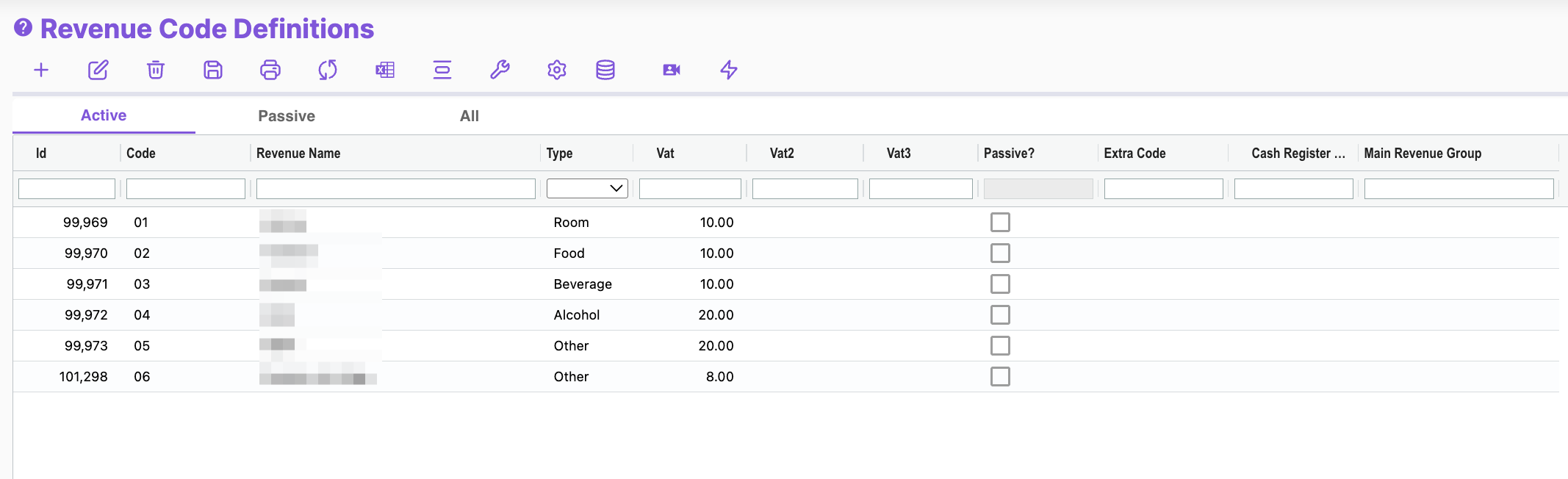
- Revenue code definitions
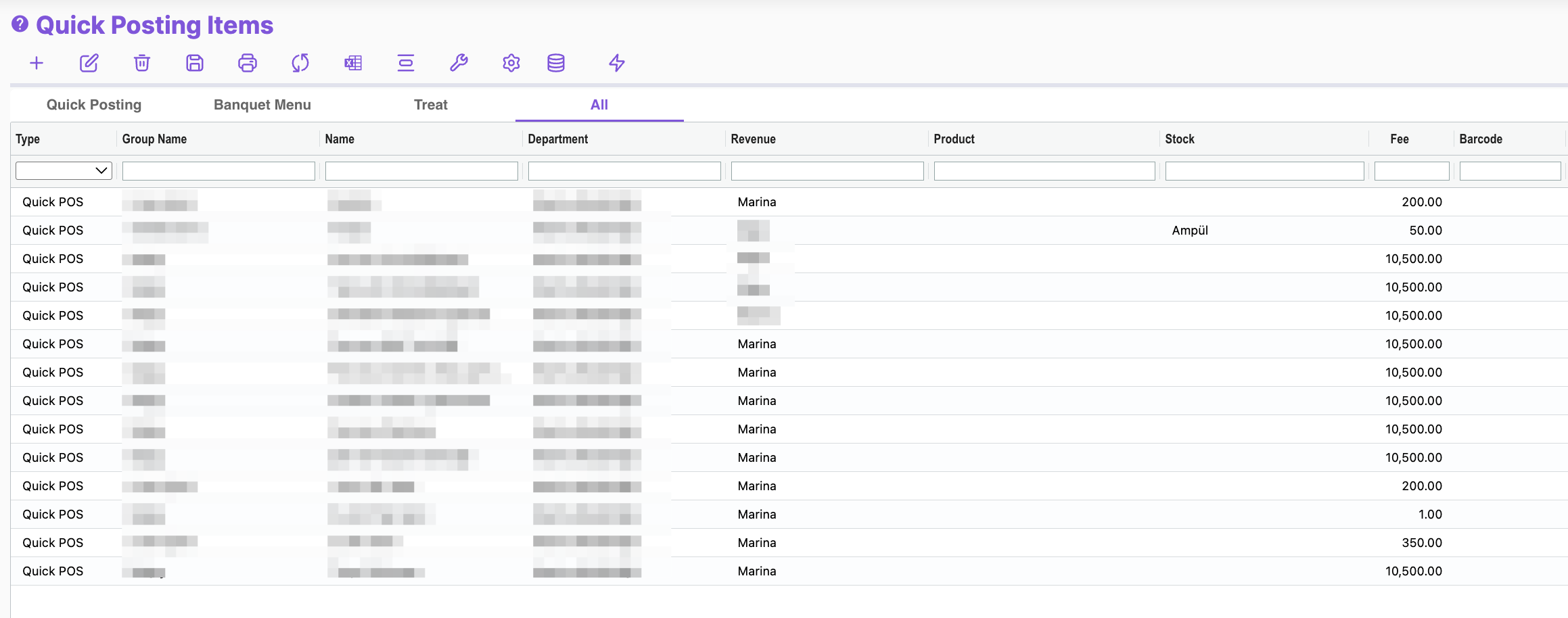
- POS device definitions
5 Contract Management
Contract Info
- Vessel, customer, contract no, status
- Start & end dates, duration
- Insurance expiry
Berth Allocation
- Berth / Pontoon selection
- Berth change request
- List price, discount, net & total amounts
Financial
- Currency
- VAT %
- Discounts / campaigns
- Paid / remaining amount
- Parent contract link
Contacts
- Responsible person, contact details
Tabs
- Voyages (start, end, notes)
- Folio transactions
- Entry/exit logs
- Linked work orders
- Documents (insurance, license, ID)
- Berth change plan
- Official notes & correspondence
f) Actions
- Create / duplicate contract
- Print & export PDF
- Renewal / cancellation
- e-Invoice & payment integration
6 Entry–Exit & Voyage Records
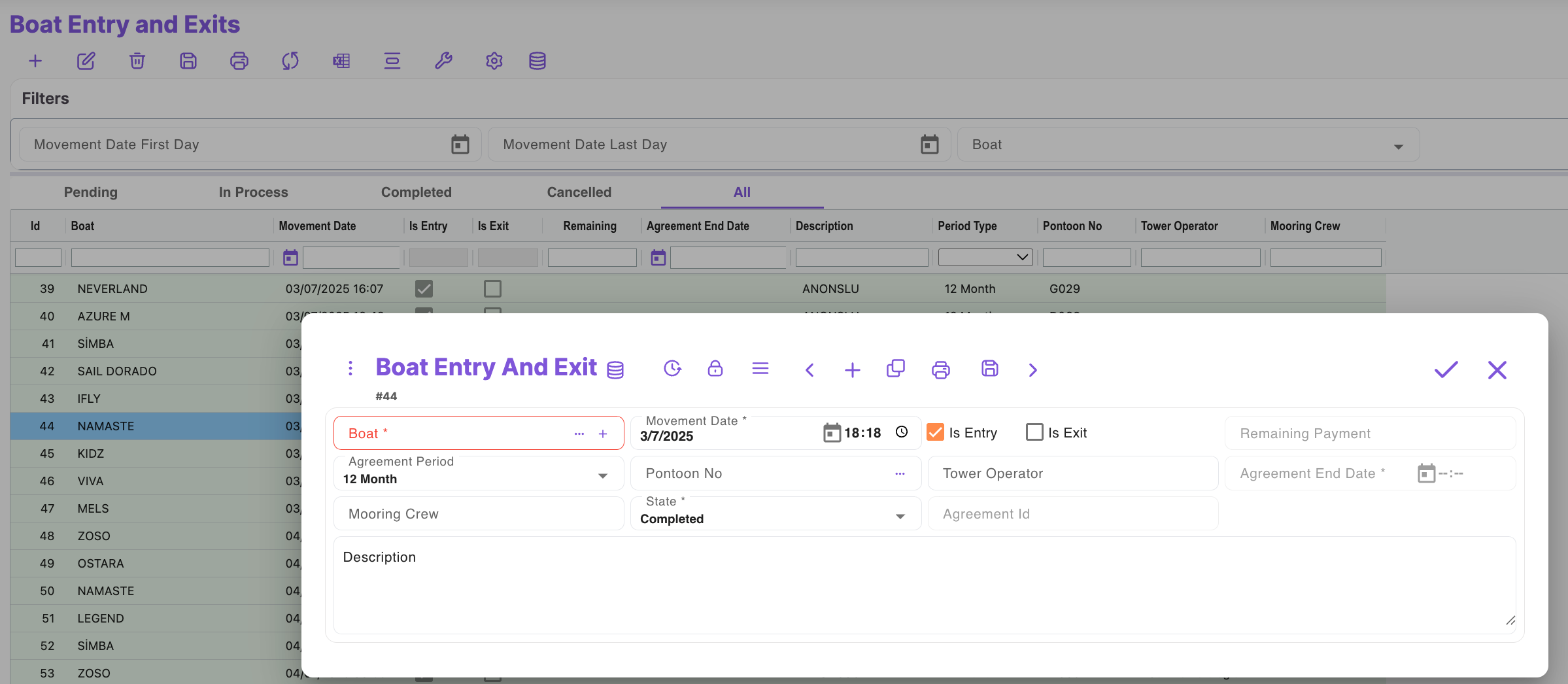
- Entry & exit logs
- Voyage plans & history
- Port definitions
7 Document & Compliance Control
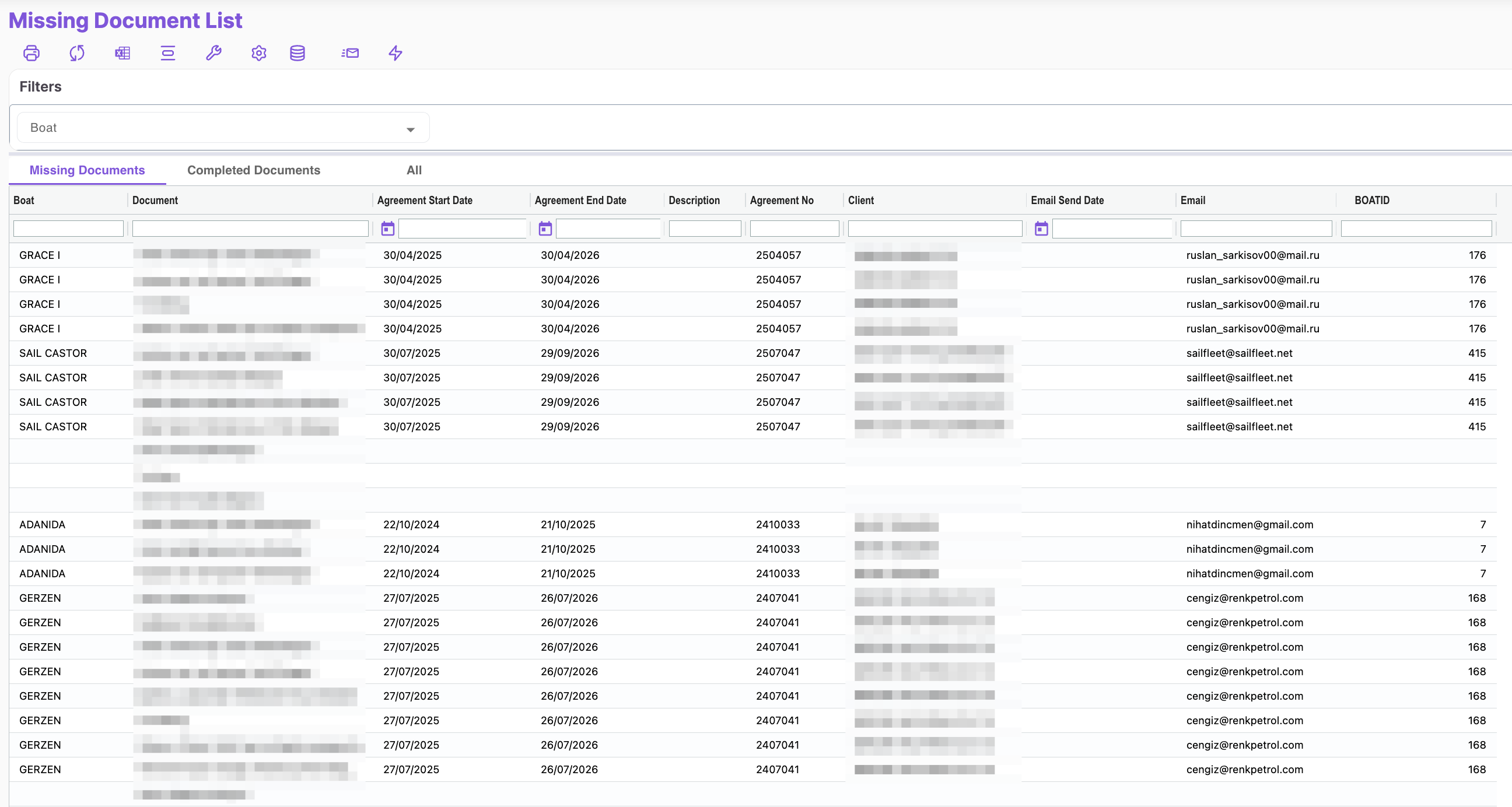
- Missing document list
- Document types & validity checks
8 Work Orders & Maintenance ✅
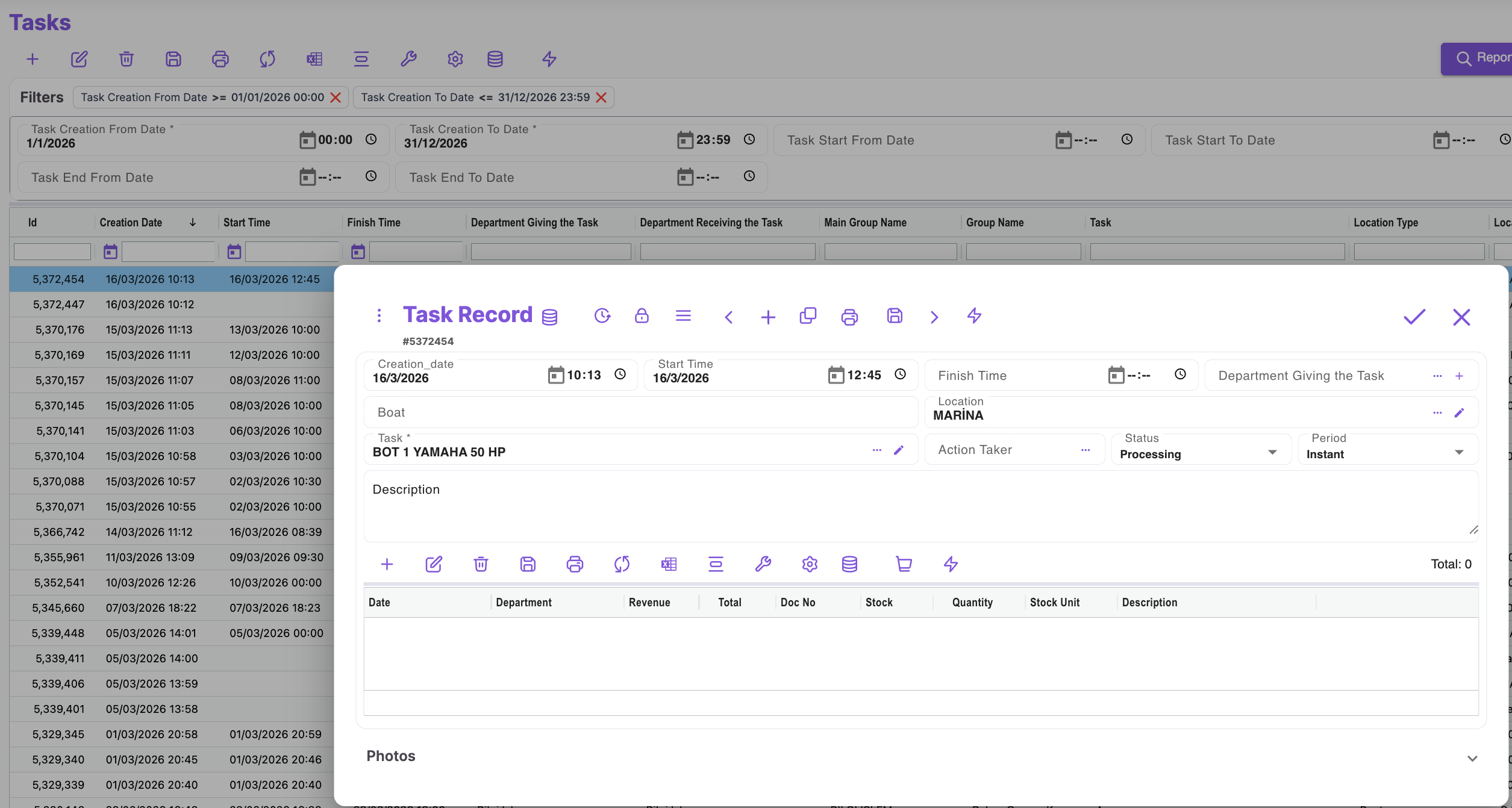
Basic Work Order Info
- Work order ID
- Created date
- Start & end time
- Requesting department
- Assigned staff/department
- Location (berth, vessel, warehouse)
- Task description
- Status (Planned, In Progress, Completed, Cancelled)
- Periodicity (One-time, Daily, Seasonal, Recurring)
Details
- Task notes
- Assigned staff
- Related vessel or berth
Cost & Resource Tracking
- Date, department, revenue/cost
- Document No
- Stock usage (code, quantity, unit)
- Notes
Management Functions
- Create work order
- Update status
- Schedule recurring tasks
- Department-based assignments
- Filter & search
Operational Features
- Preventive maintenance scheduling
- Priority (High / Normal / Low)
- Mobile integration (photos, status updates)
- Before/after visual records
- Accounting & stock integration
f) Reporting
- Completed tasks report
- Pending/overdue tasks
- Cost analysis (labor, materials)
- Department performance KPIs
- SLA compliance
9 Cash Desk & Collections
- Cash transactions
- Payments & receipts
- POS terminal integration
10 System Definitions
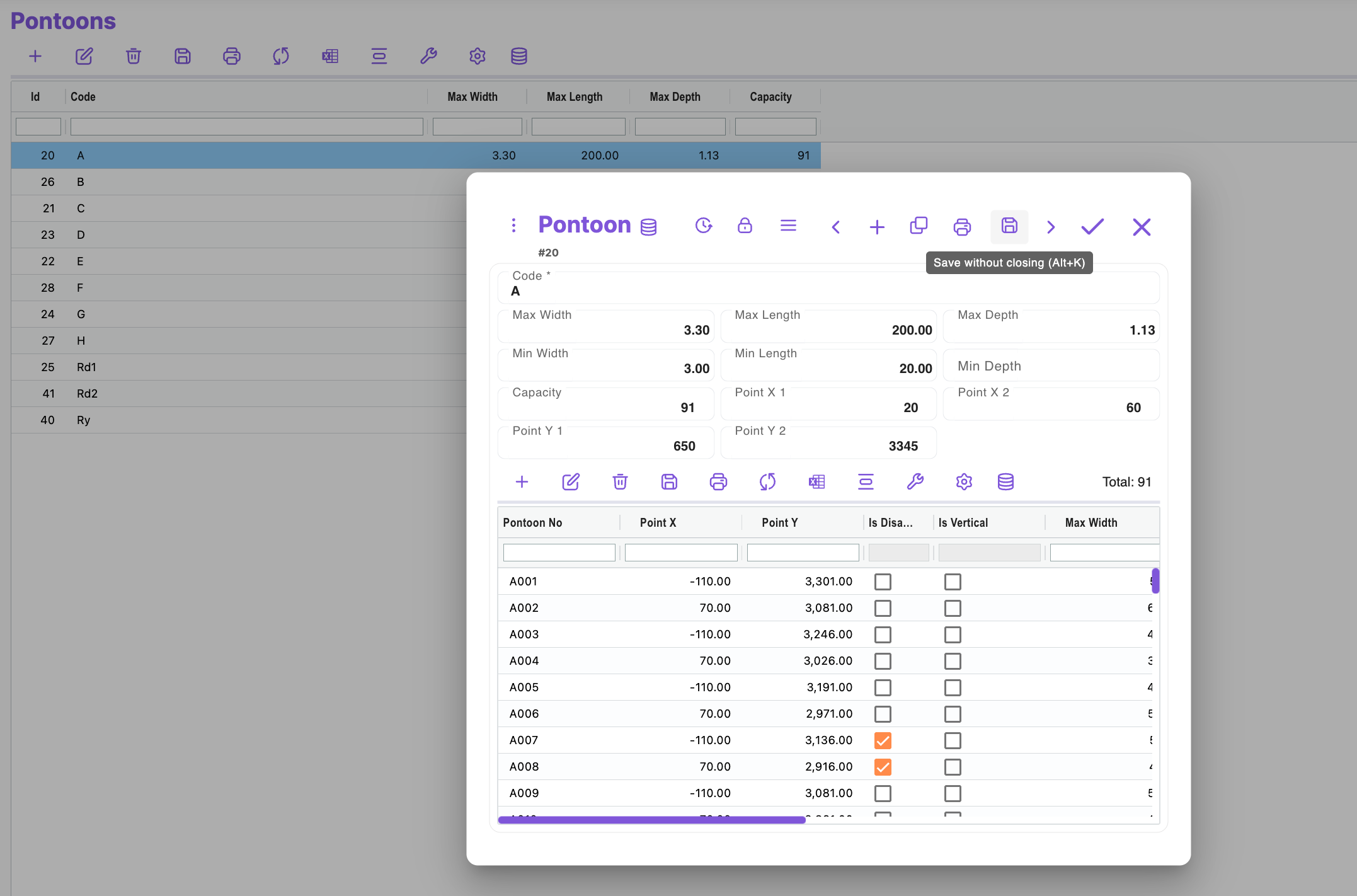
- Pontoons
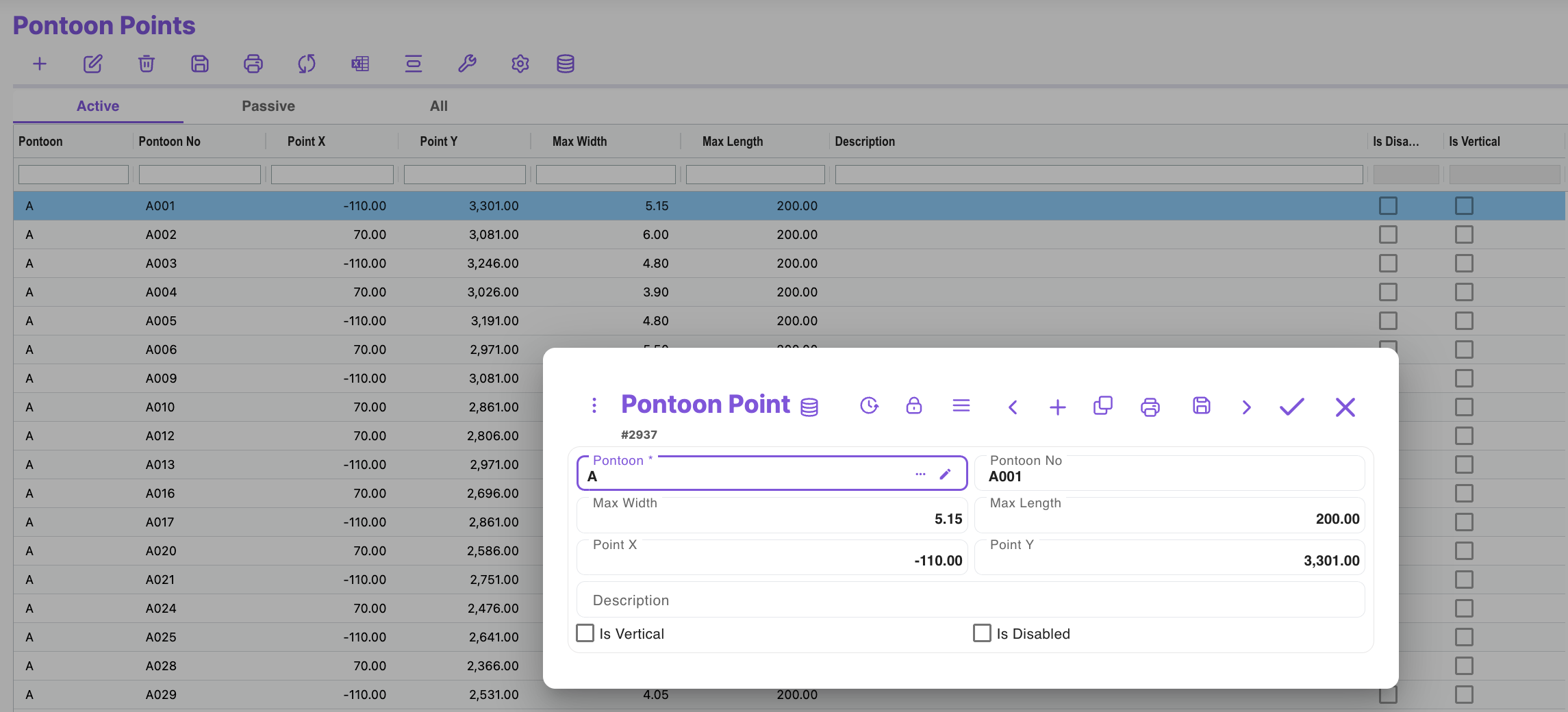
- Berth points
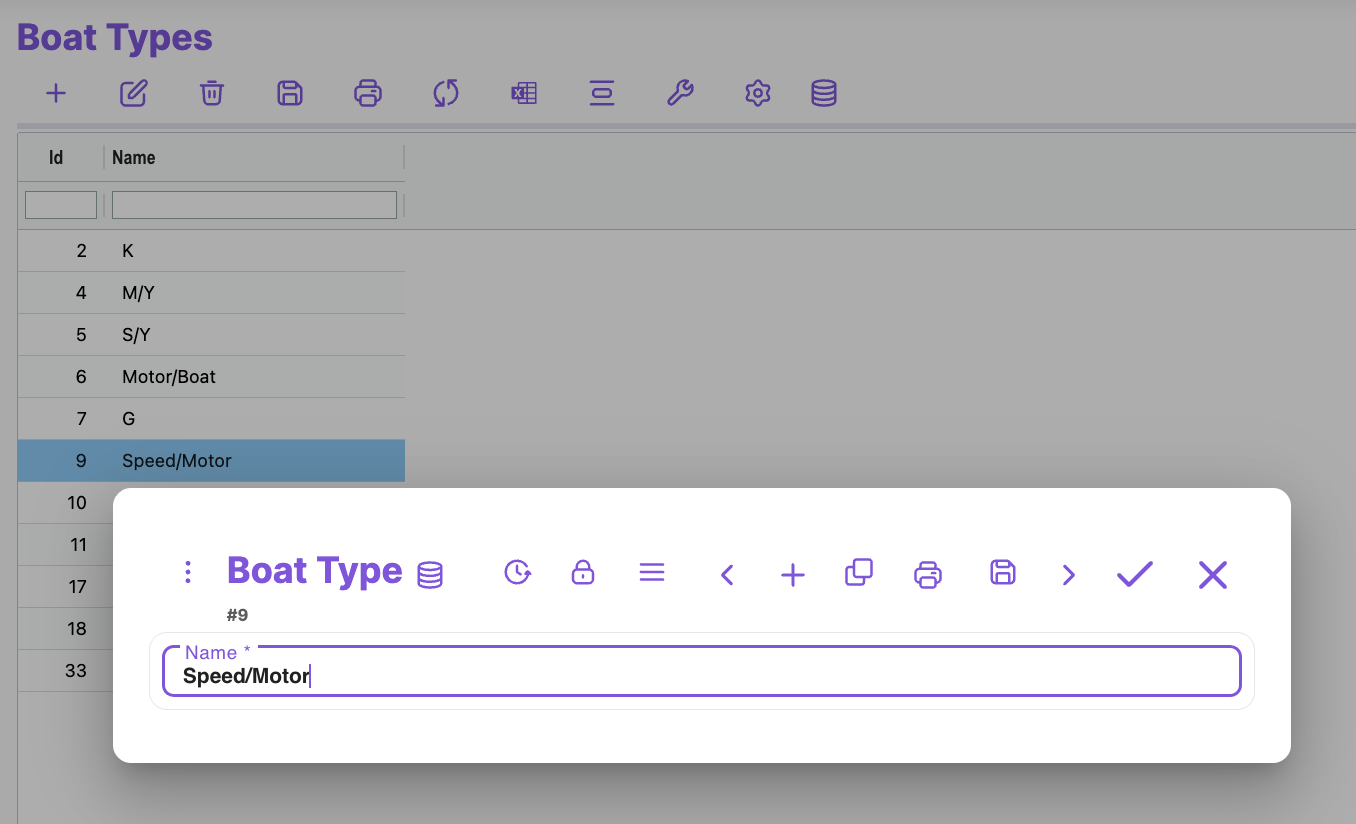
- Vessel types
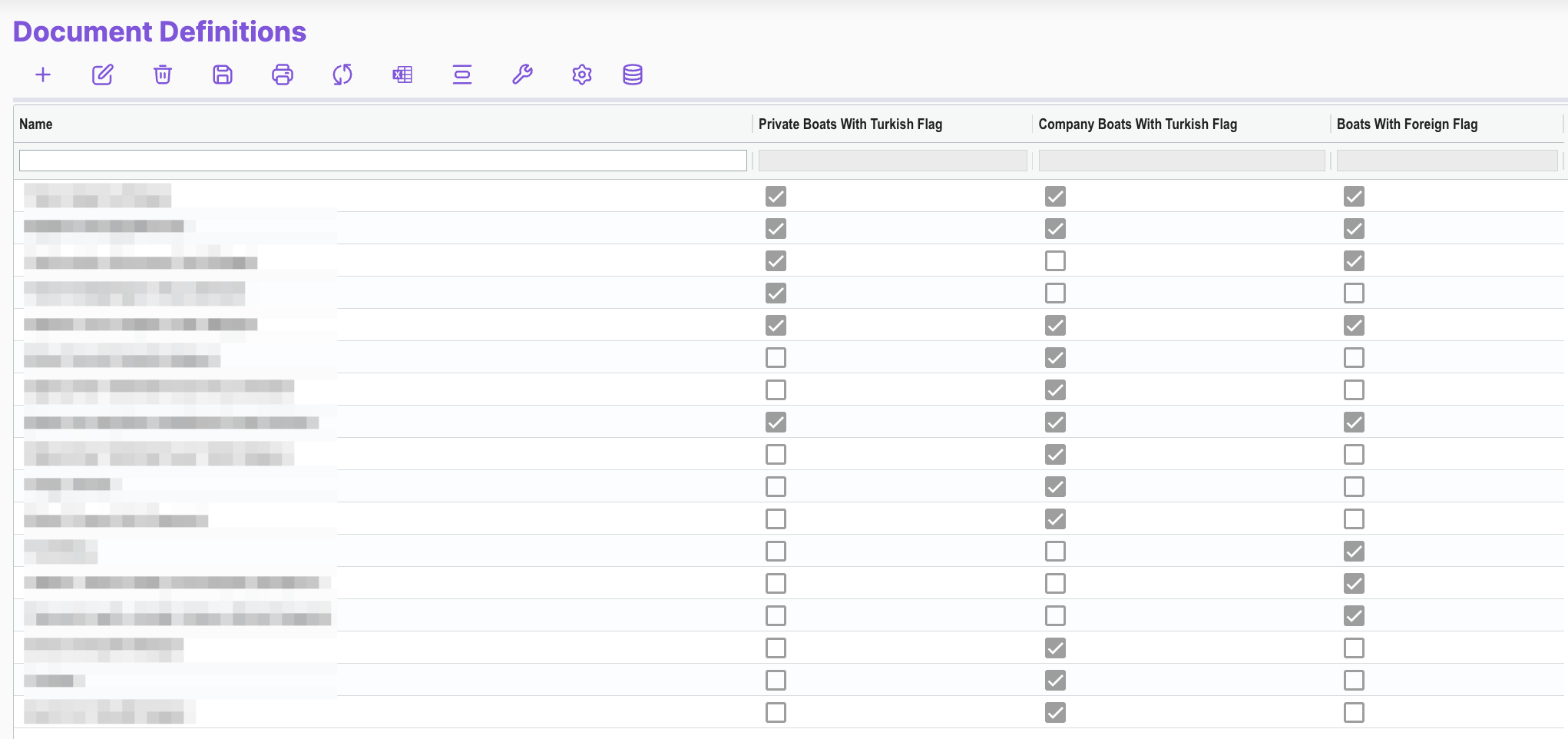
- Document types
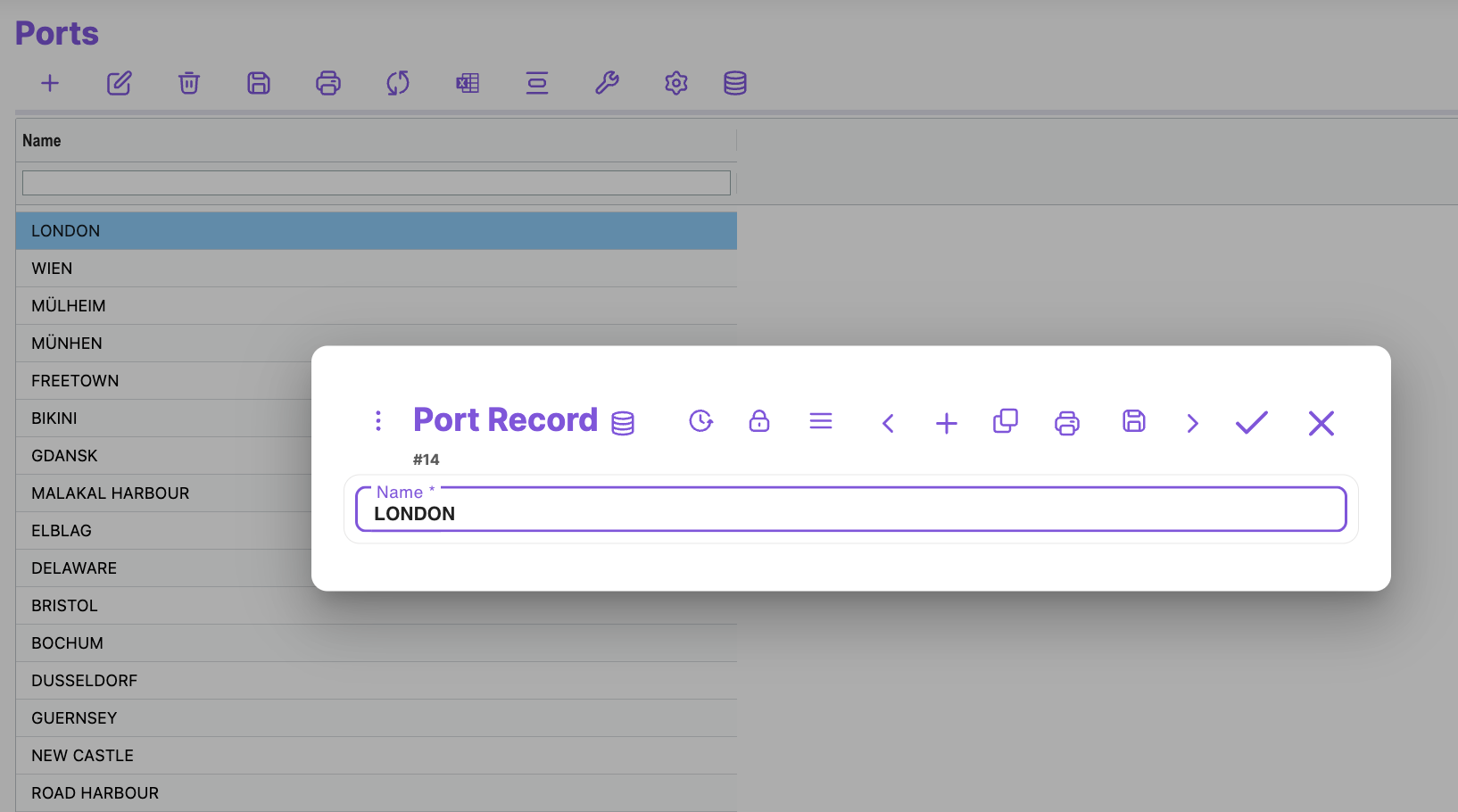
- Ports
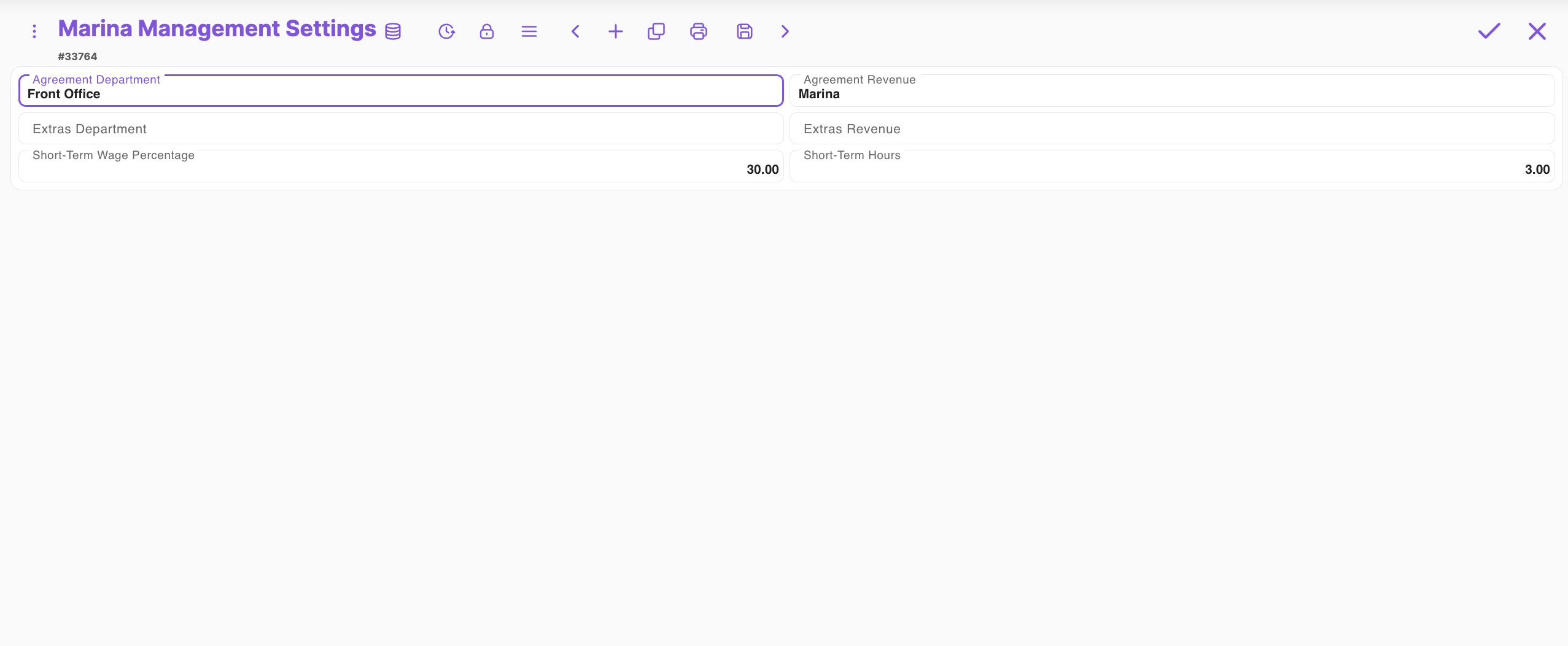
- Marina configuration settings
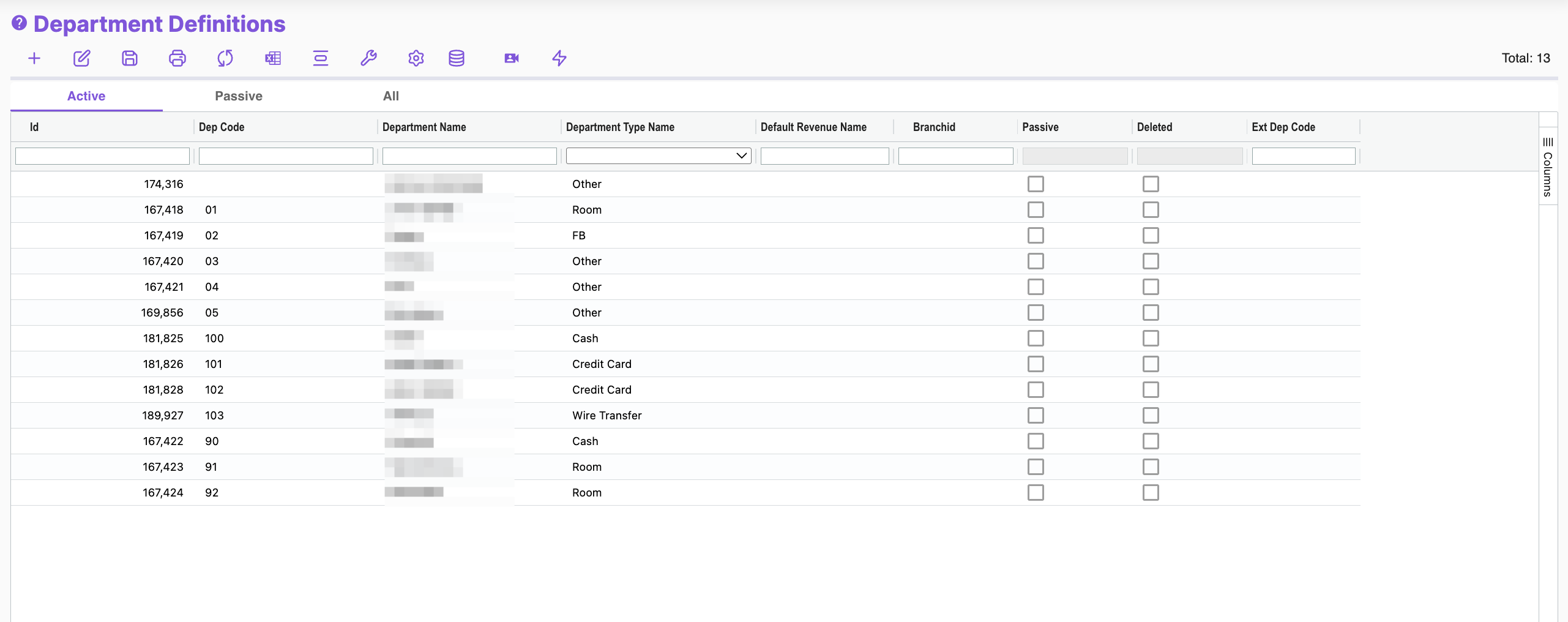
- Departments
- Revenue codes
- POS definitions
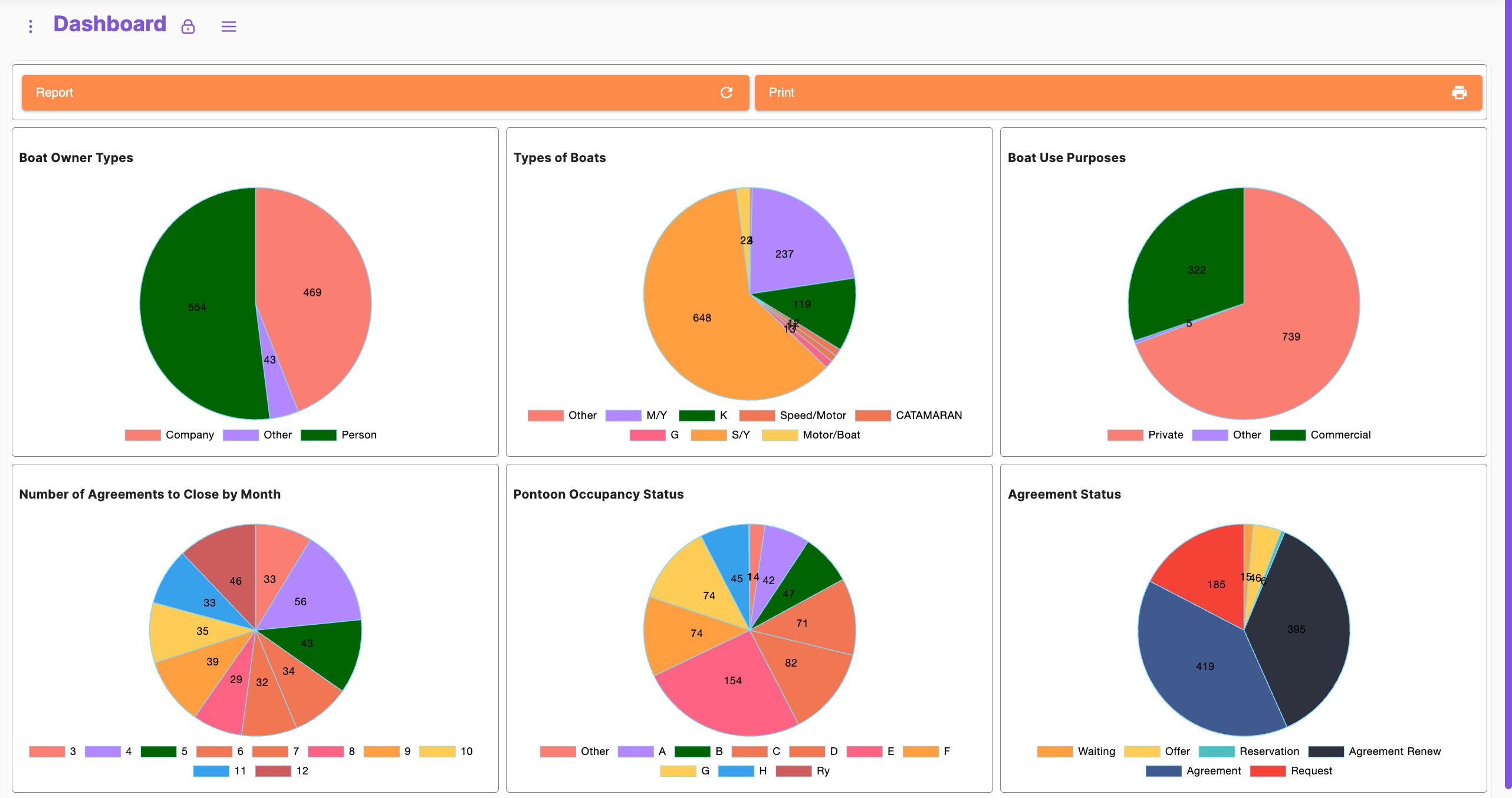
11 Dashboard & KPIs

Customers & Vessels
- Ownership type distribution (corporate, individual, other)
- Vessel type distribution (S/Y, M/Y, Motorboat, Speedboat, etc.)
- Usage purposes (private, commercial, other)
Contracts & Reservations
- Contracts expiring by month
- Contract statuses: Agreement, Renewal, Offer, Request, Reservation, Waiting
Marina & Berth Utilization
- Occupancy by dock (A–H, Rd)
- Overall occupancy %
Customer Nationalities
- Distribution by country
Contract Durations
- Periods: monthly, seasonal, annual (12 months predominant)
12 Reporting & Export
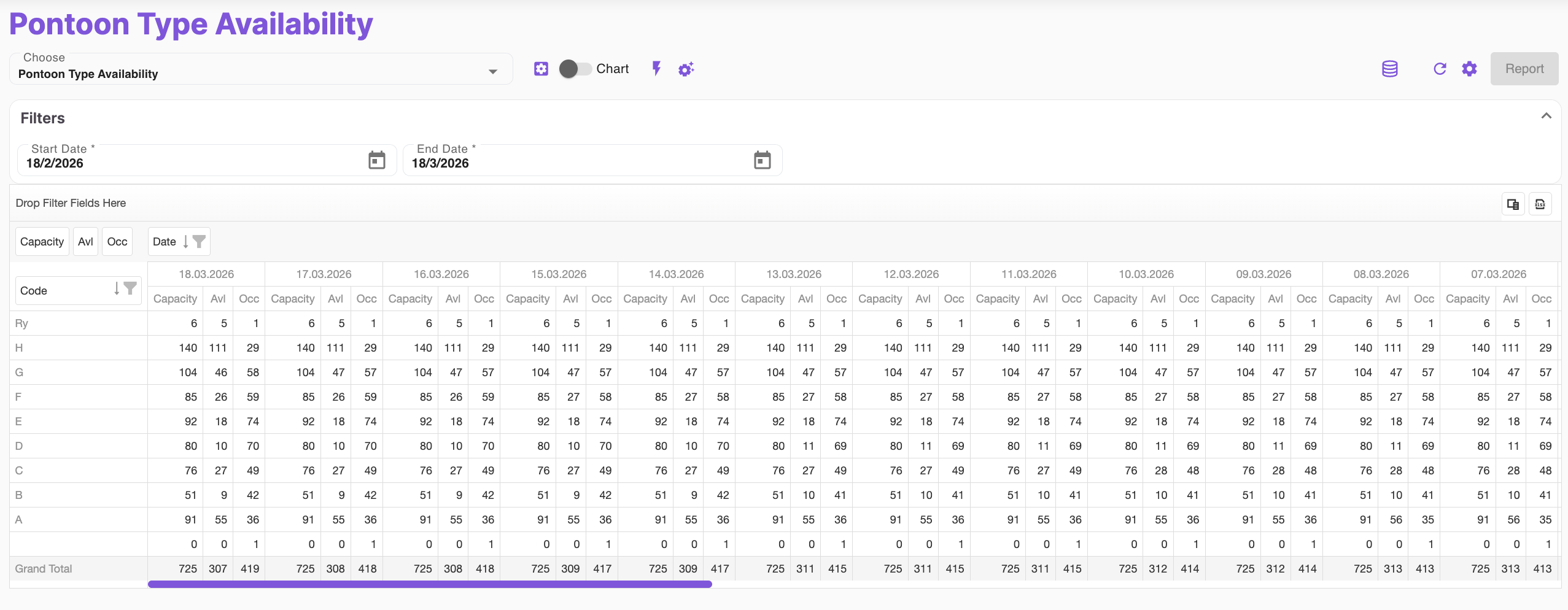
- Standard & custom reports
- Occupancy, revenue, work orders, compliance reports
- Export to Excel, PDF
- Scheduled email reports
With this unified system, a marina can:
- Optimize resource usage,
- Maximize profitability,
- Deliver premium service quality to tenants and boat owners,
- Maintain full operational transparency and compliance.
It is not just management software—it is a complete digital backbone for modern marina businesses.